
Some posts on this site contain affiliate links. If you book or buy something through these links, I earn a small commission (at no extra cost to you). Take a look at my privacy policy for more information.
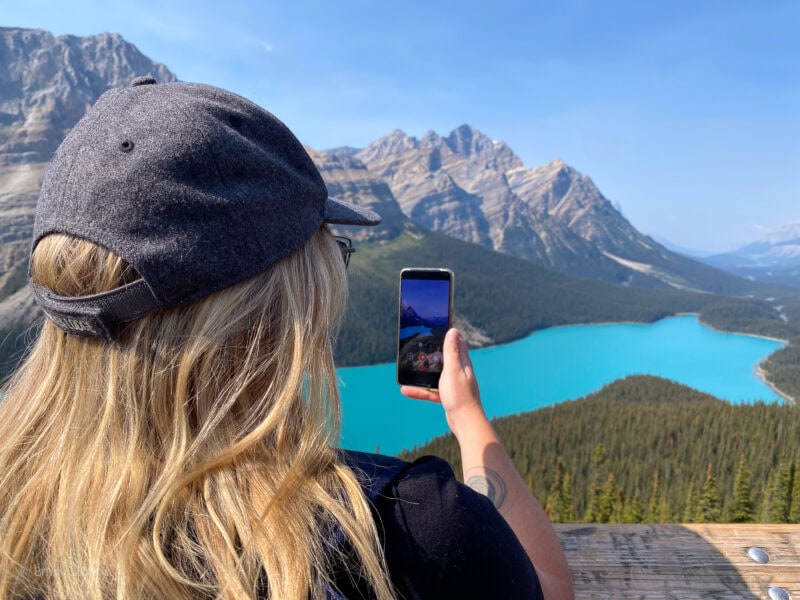
Travel moves fast, and filming helps you keep the small moments that memory tends to drop first: a station announcement or even the light before dinner. Your iPhone is more than good enough for that, and with a bit of planning and a steady hand, you can turn scattered clips into a short film without lugging extra gear.
Plan the story before you press record
Think about getting there, being there, and leaving with something learnt, so open with an arrival shot – something like train doors sliding apart, your first view of a square, or your bag hitting the floor of a room. Then gather details that set the tone, like the hiss of a coffee machine or light moving across a market awning. And then, you can close with a quick voice note to camera or a sunset time‑lapse.
A short shot list keeps you focused without killing spontaneity: a wide shot to place the scene and a close‑up for texture. Add two or three transitions you can repeat to stitch locations together later. If you’re choosing a phone for the trip, the stabilisation and low‑light gains on the iPhone 15 help those plans turn into cleaner footage when light gets tricky.
Keep clips brief; five to eight seconds is usually enough so your edit has rhythm. Think in pairs: a wide of the beach, then the foam around your ankles; a city skyline, then a tram bell. That alternation adds flow and makes each scene easier to cut.
Shoot with intention: stability, light, and pacing
Shaky footage can tire the eyes, which is why you’ll want to hold the phone with both hands, elbows in, and move your body as one. For walking shots, lower your centre of gravity and step heel-to-toe – the “ninja walk” helps. Use slow motion when movement benefits from it; it smooths action without feeling gimmicky. If you’re considering an upgrade before your next big trip, exploring refurbished options on Back Market can be a smart way to save money and stay well-equipped.
Early morning and late afternoon bring softer colours and kinder shadows. Tap to focus and slide your finger to lower exposure until bright areas stop blowing out. At night, don’t fight the dark; look for pools of light like shop signs or street lamps, and let them shape your frame. If you want more control for colour grading later, advanced recording options on the iPhone 15 Pro Max give you extra latitude to adjust tones without losing detail.
Composition ties it all together, so use leading lines to guide the eye and add a foreground element like a doorway or a plant to create depth. Changing height often and filming from waist level creates intimacy, while shooting from eye level provides context; these small shifts keep viewers engaged and help your edit breathe.
Edit for rhythm and a clear point of view
Editing is where your trip becomes a story. Start by keeping only the clips that move the sequence forward or show a feeling you want to share. Arrange scenes to echo your arc and trim on motion by cutting when a door closes or when someone turns.
And finally, keep a low bed of ambient audio like birds or train rumbles under the music so places feel alive. Lower the track when you need space for a meaningful line or a moment of quiet; simple sound bridges like carrying a café clink into the next street scene smooth the jump.
Strong travel videos come from noticing, planning just enough, and filming with care. With a simple structure, short purposeful clips, and attention to sound and light, your iPhone can capture journeys that look good and, more importantly, feel true to how you lived them.
READ MORE: How to Edit Great Travel Videos